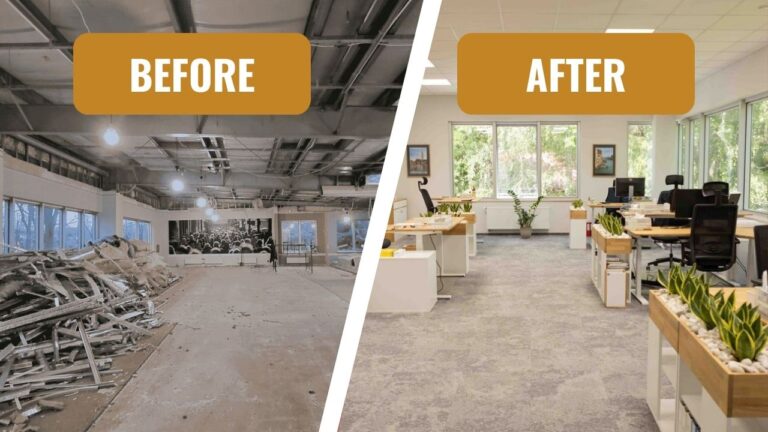
How to organize an office workstation according to health and safety rules?

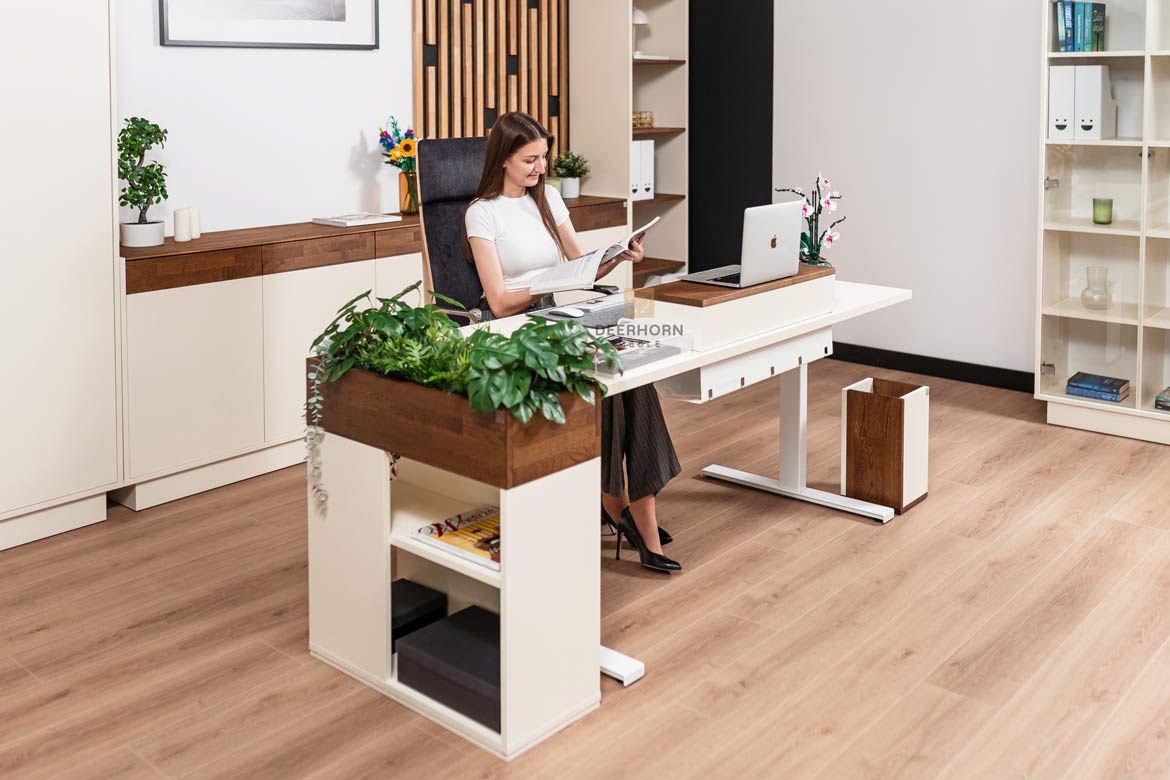
I work at a height-adjustable desk on a daily basis, and I know very well how much of an impact it has on working comfort. In this post, I share practical observations and solutions that really help you work more comfortably and calmly every day.

A well-organized workstation in the office is not only a matter of regulations, but above all of health and daily comfort. A poorly positioned desk, an uncomfortable chair or inadequate lighting quickly make themselves known with back pain, fatigue and decreased concentration. Health and safety rules were not created to be ticked off – their purpose is to provide real support for people in their daily work.
In practice, it’s all about a few simple elements that together create a safe and comfortable place to work. A well-planned workplace allows you to work more quietly, stay focused longer and avoid health problems that often build up over years.
Workstation and employee health
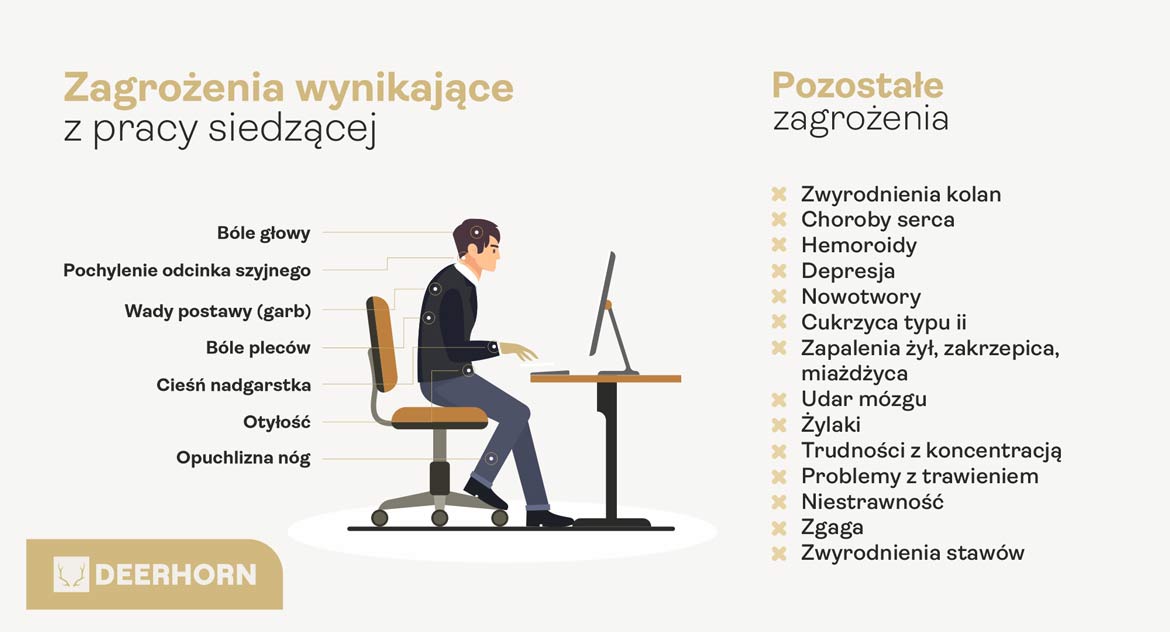
Most office work is done in a sitting position, often for many hours a day. In such a situation, every element of the workstation begins to have real significance. The height of the desk, the positioning of the monitor, proper back support or access to light all affect how the body copes with prolonged strain.
A poorly organized workstation can cause muscle tension, neck and back pain and rapid fatigue. Over time, such ailments not only reduce your comfort at work, but also make it difficult to concentrate and affect your overall mood throughout the day. A well-planned space helps maintain a natural body position, reduces strain and allows you to work more calmly.
This is not a matter of momentary convenience, but of daily functioning at work. A properly organized workstation supports health and makes even long hours at a desk less taxing.
Desk – height, space and positioning
The desk is the foundation of any workstation. It should provide enough space for a computer, documents and necessary accessories without having to constantly rearrange things. A top that is too small quickly leads to chaos and unnatural body movements.
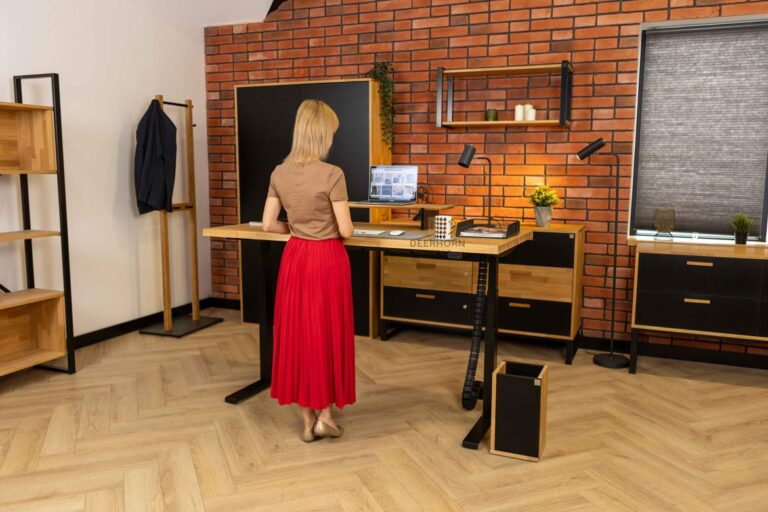
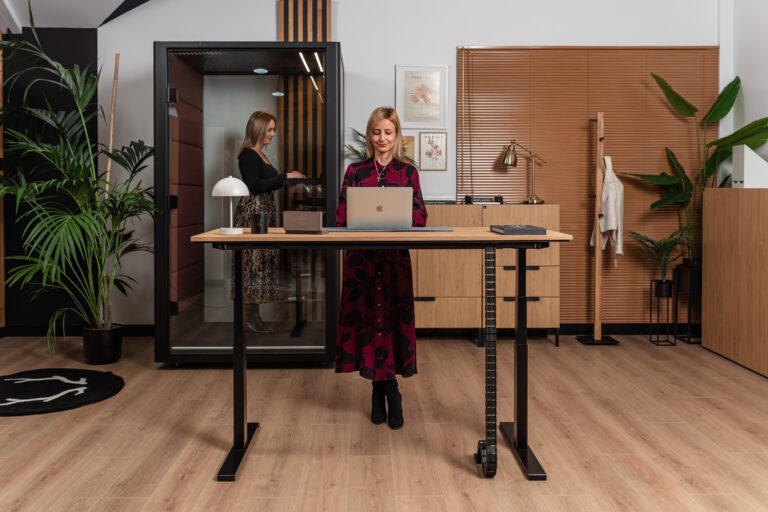
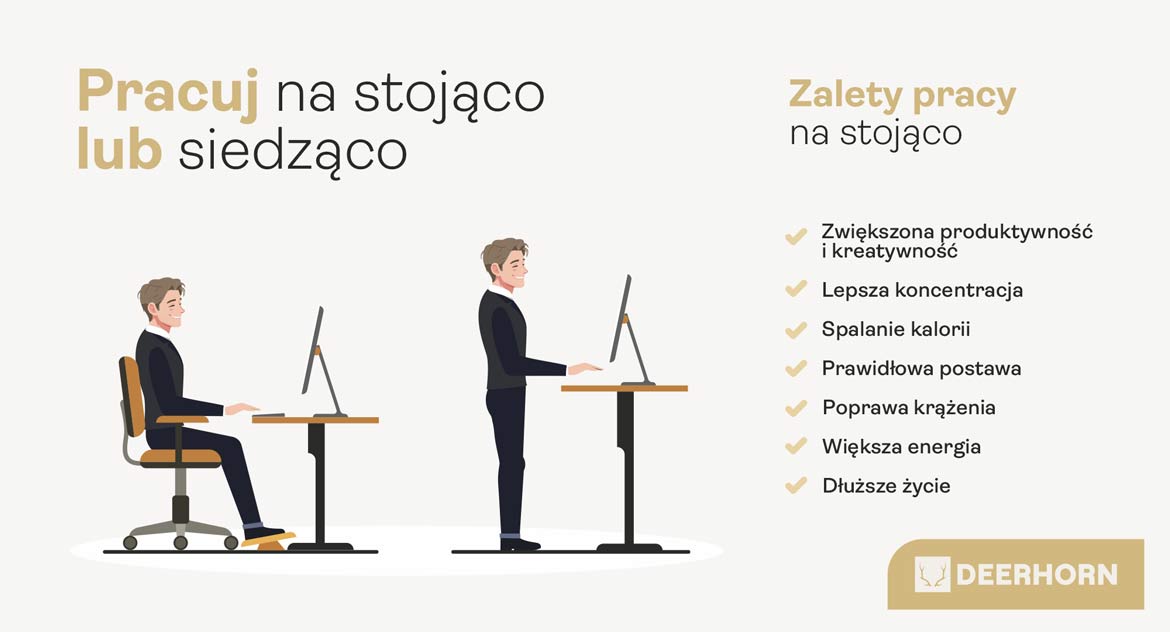
The height of the desk is of great importance. The forearms should rest comfortably on the tabletop and the shoulders should remain relaxed. Height-adjustable desks, which allow you to change your position throughout the day, are an increasingly common solution. Standing work, even for a short time, relieves strain on the spine and improves circulation.
The positioning of the desk in relation to the light is also important. Ideally, it should be located sideways to the window – this way daylight evenly illuminates the workspace and does not cause reflections on the monitor. This positioning reduces visual fatigue and makes it easier to work for longer periods of time.
It is a good idea to avoid having a window directly in front of or behind the monitor, as this can lead to excessive contrast. A well-planned desk setting allows you to take full advantage of natural light and improves the comfort of your work every day.
Chair and proper sitting position
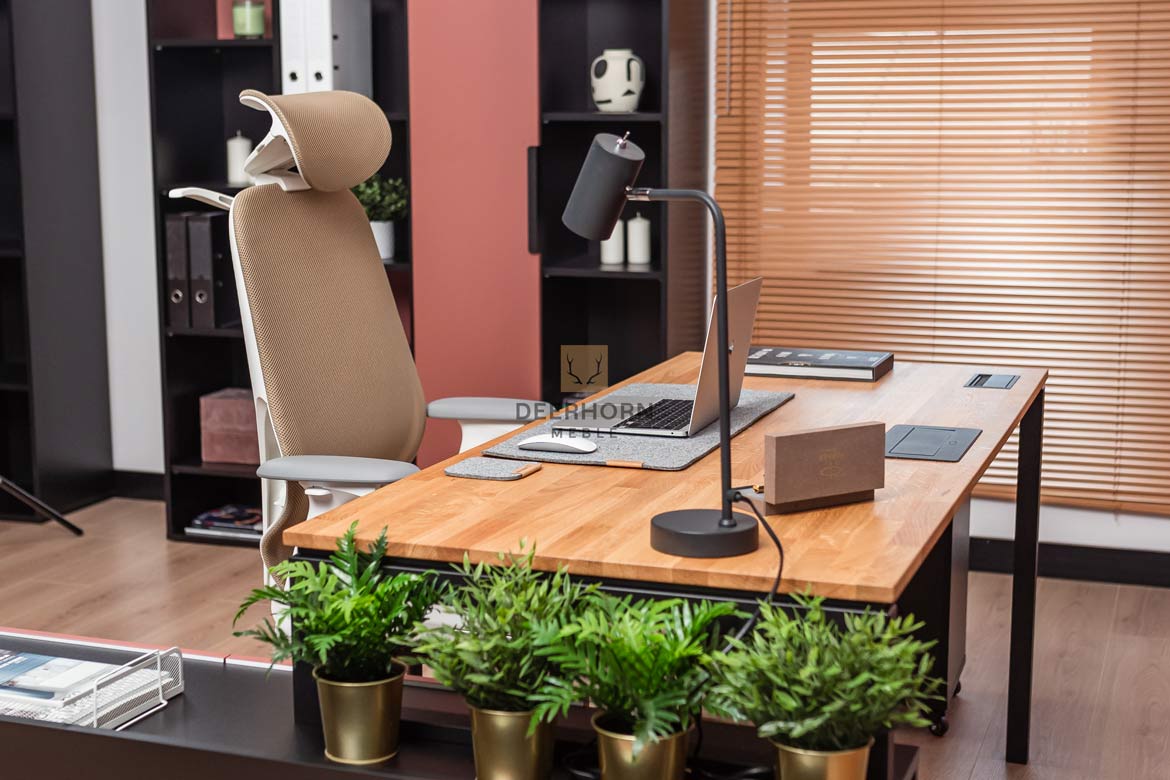
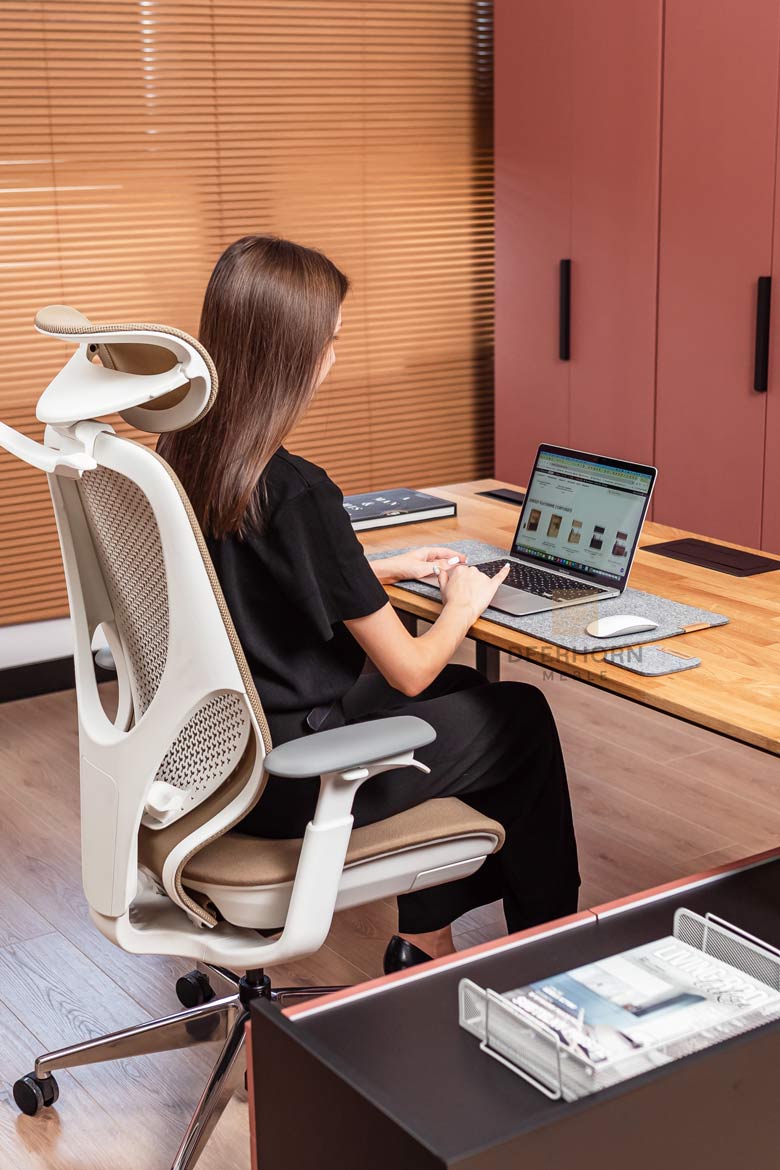
An office chair has a direct impact on the spine and posture, so its choice should not be random. A well-chosen model supports the back, especially in the lumbar region, and helps maintain the natural alignment of the body while working at a desk. It is the chair that largely determines whether you feel tired after several hours of work or whether you are still working with relative ease.
The basis is the ability to adjust the height of the seat, backrest and armrests. This allows the chair to be adjusted to your height and desk setting. The feet should rest comfortably on the floor and the knees should be at about hip height, which helps maintain a stable and natural position.
A good chair should not force one rigid position. The ability to change the position of the body slightly during the day is very important when sitting for many hours. Such freedom reduces muscle tension and helps avoid overload, which often occurs when sitting in one position for long periods of time.
Monitor and computer hardware
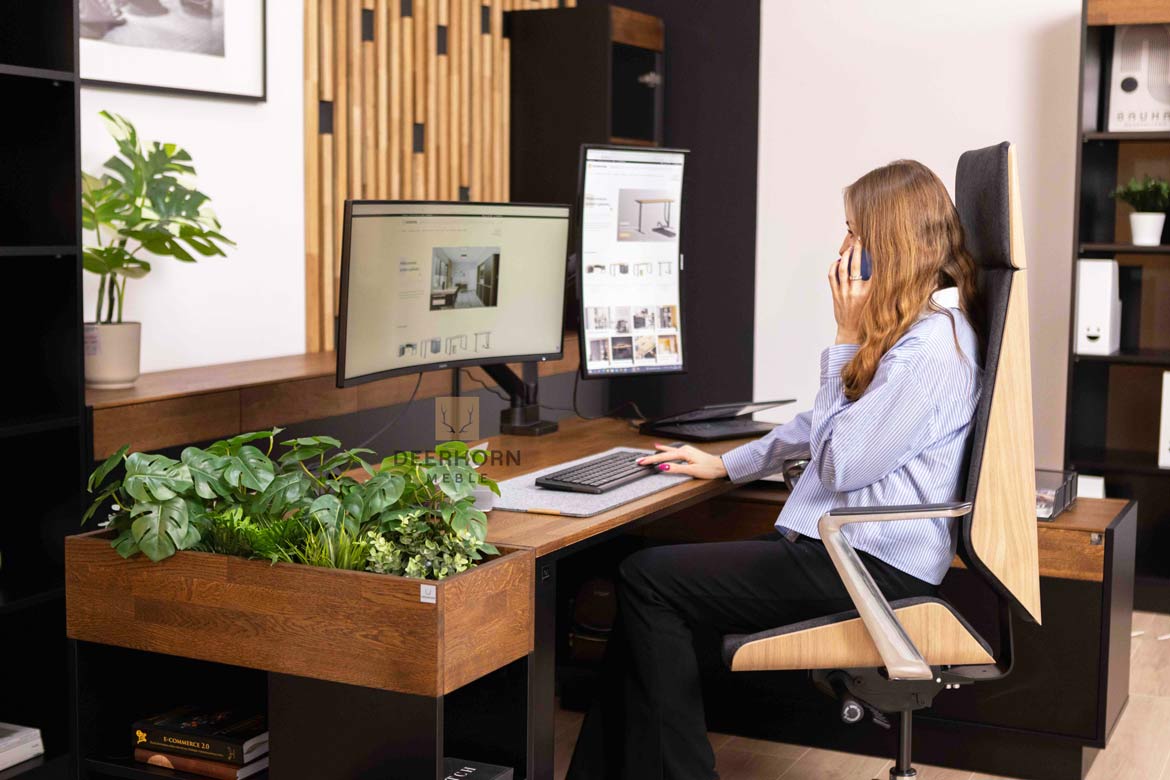
The monitor should be at eye level or minimally below, so that the head remains in a natural, upright position. A screen positioned too low forces you to bend your head, which quickly leads to neck and neck tension, and can cause headaches and general discomfort when working for long periods. Equally important is the distance of the monitor from your eyes – it should allow you to read comfortably without squinting or straining too much.
In practice, a desk extension is a very helpful solution, which allows you to set the monitor at the right height without the need for additional brackets. Thanks to it, the screen is exactly where it should be, and the space on the tabletop remains tidy. The extension can also serve as a place for small accessories, which further improves the organization of the workstation.
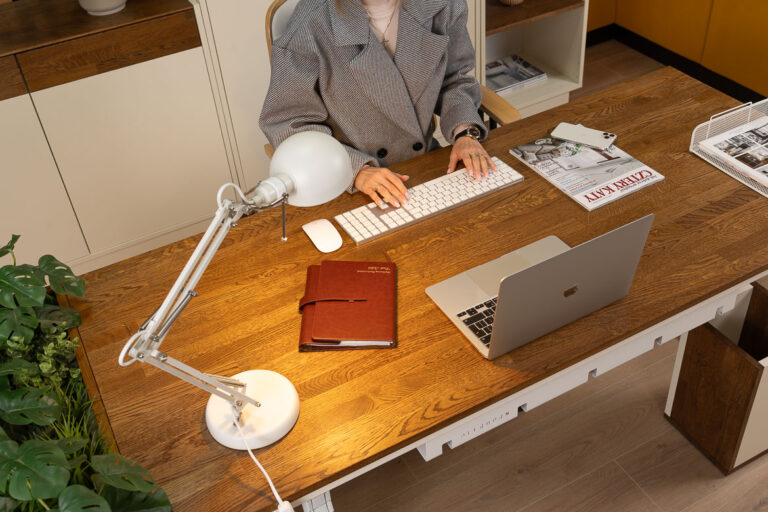
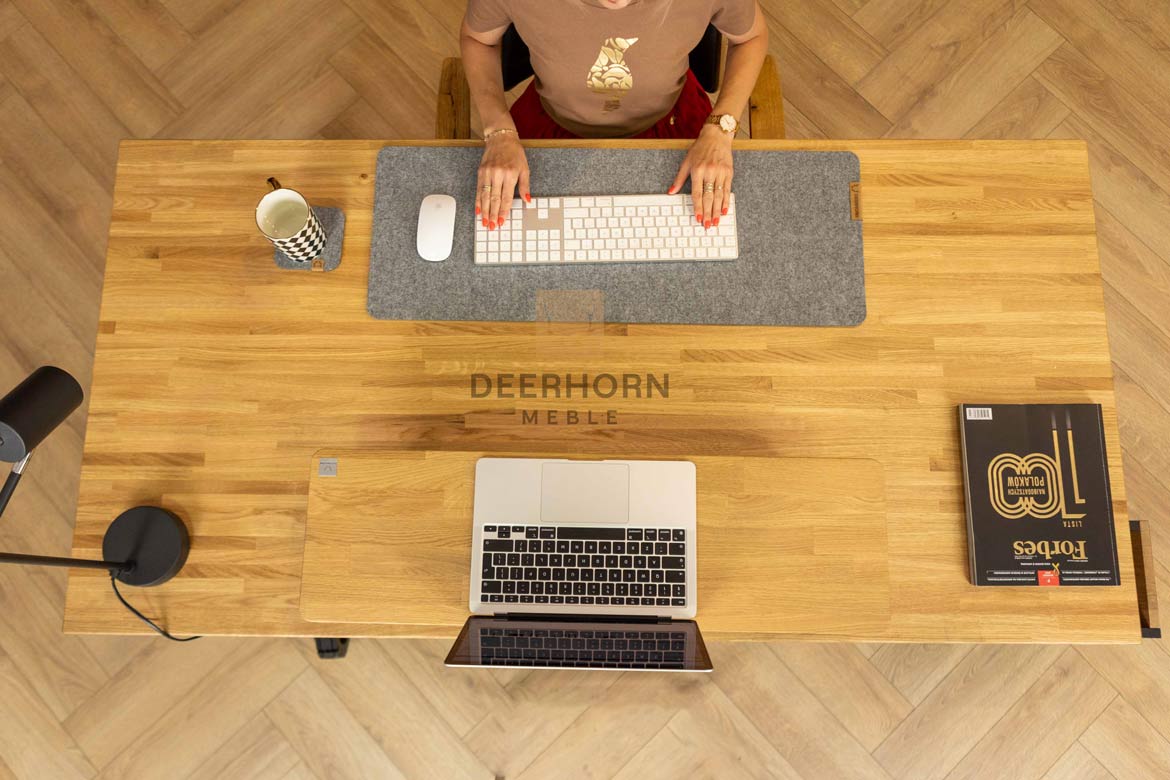
It is also worth taking care of the proper positioning of the keyboard and mouse. They should be at such a height that the hands lay naturally and the wrists are neither raised too high nor excessively lowered. The forearms should rest freely on the tabletop or armrests of the chair.
Although these are small items, they make a huge difference in daily work. Well-aligned equipment, complemented by simple solutions such as a desk extension, helps reduce tension in the hands, arms and shoulders and allows you to work longer without feeling tired.

Workstation lighting
Good lighting is one of the key elements of health and safety rules and has a huge impact on the comfort of your desk. Natural daylight is the best option, so make the most of it by positioning your workstation near it. Adequate lighting reduces eye fatigue and helps you stay focused for longer periods of time.
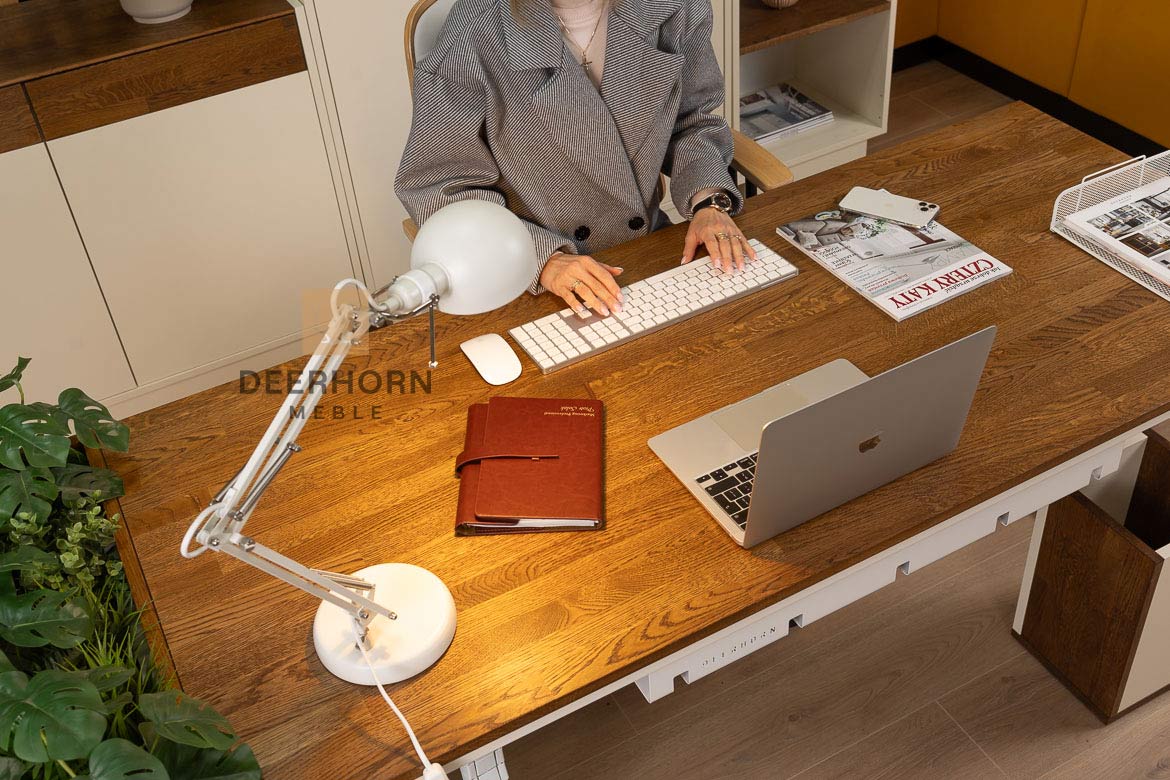
In practice, however, daylight alone is not always enough, especially on cloudy days or in the afternoon. Therefore, well-chosen artificial lighting is essential. A desk lamp should illuminate the work surface evenly, without creating harsh shadows or causing glare on the monitor screen.
It is worth paying attention to the color of the light. Too strong, cold lighting tires the eyes and quickly leads to a feeling of fatigue. Neutral or slightly warm colors, which are more pleasant to look at and more natural to the eyes, work much better. Additional sidelight or gentle backlighting of the space behind the monitor reduces the contrast between the screen and the surroundings, which significantly improves working comfort, especially when sitting at the computer for long periods of time.
Order and security in the office
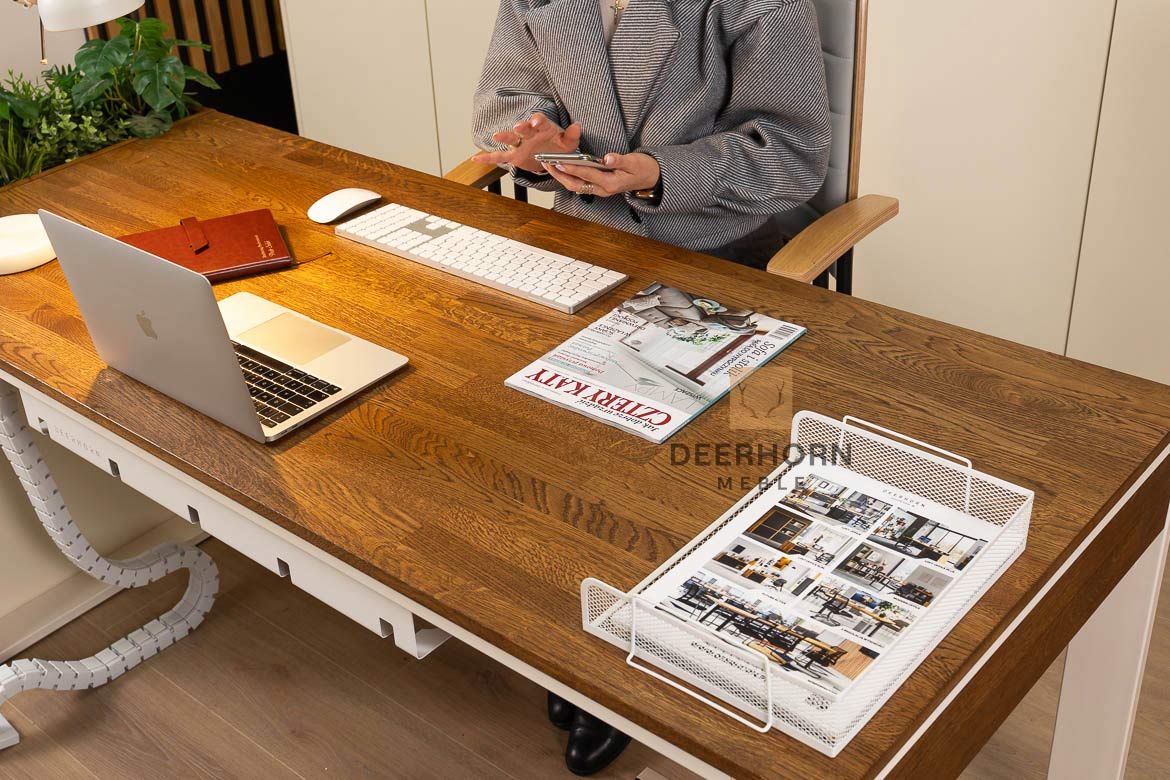
Tidiness at the workstation is not only a matter of aesthetics, but also safety and comfort in daily work. Documents, small accessories and cords should have a fixed place so that they don’t occupy the tabletop and distract you. An orderly space makes it easier to focus and makes work go more smoothly, without constantly looking for the things you need.
Desk clutter is often associated with untidy cables that get tangled under your feet or on the tabletop. This can lead to accidental damage to equipment, snagging wires and unnecessary tension while working. A well-planned organization of your workstation avoids this and keeps you more calm during the day, even with intense duties.
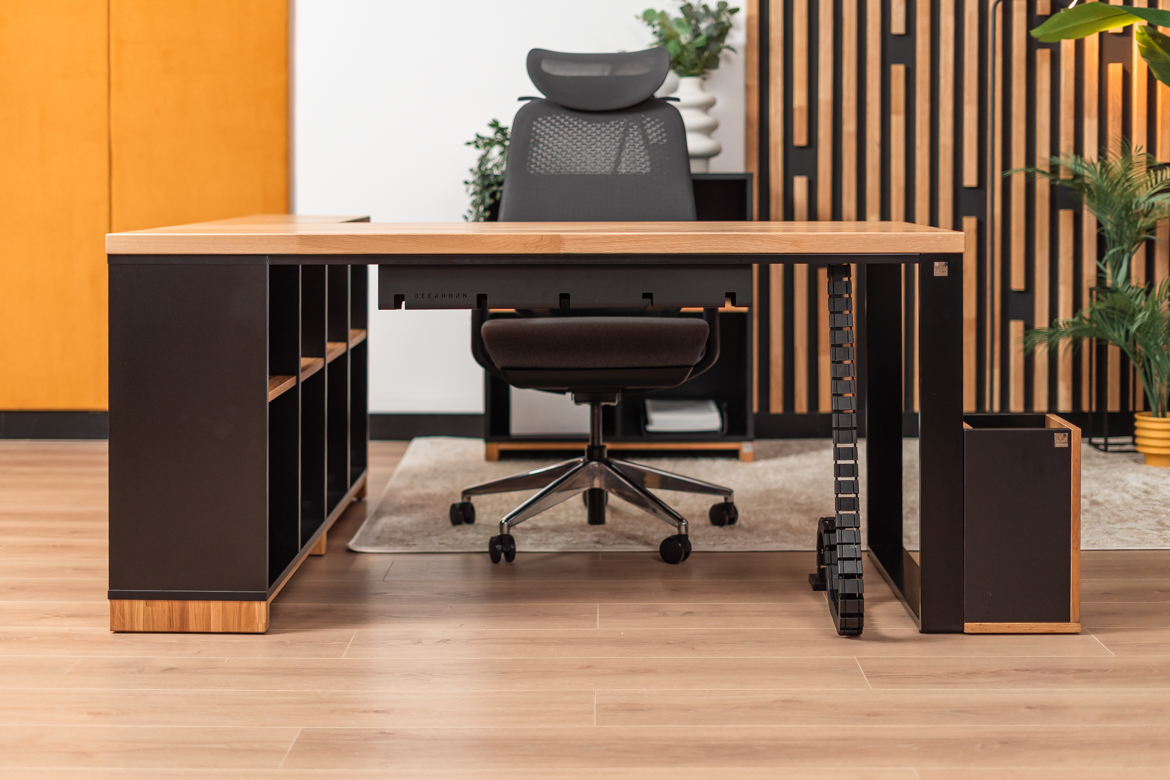
Cable grommets and masking strips are helpful here, allowing you to route cables in an orderly way and hide them from view. This keeps cables out of the way and keeps the workstation looking neat and safe.
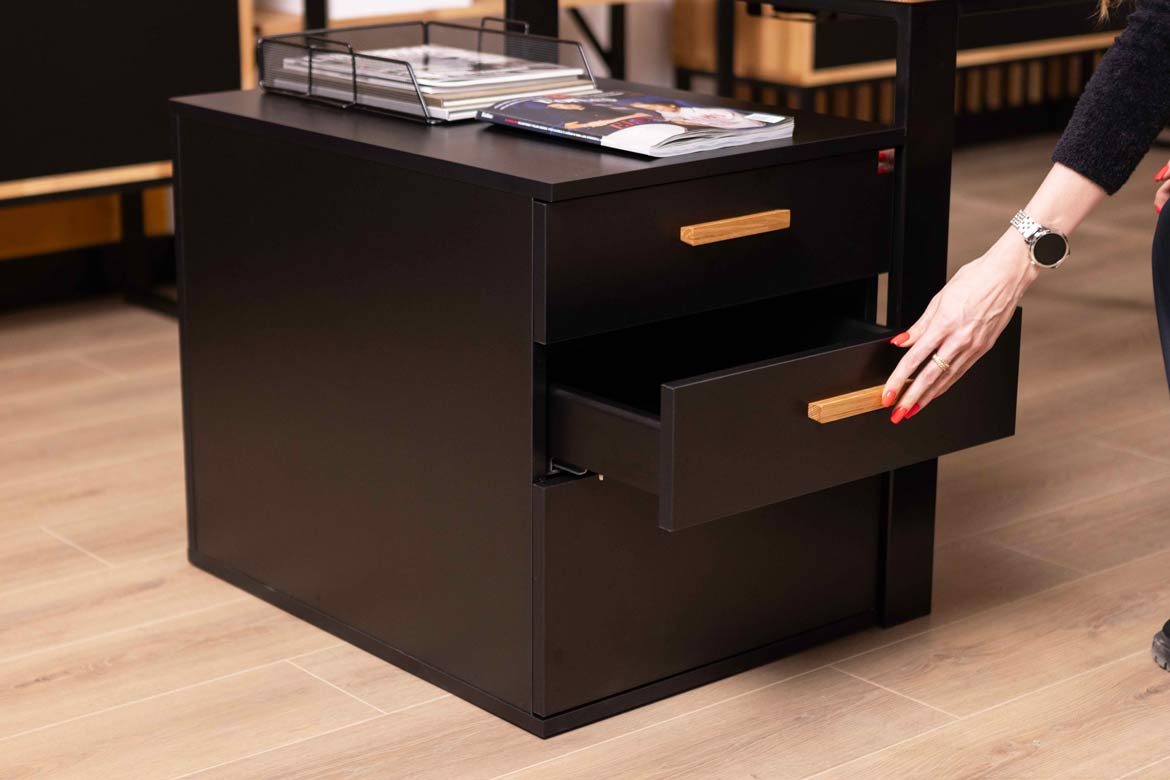
Office cabinets, chests of drawers and pedestals complete the package, providing storage space for documents and supplies needed for work. Lockable fronts are especially important where sensitive data or documents requiring protection are stored. Such an organized workstation is conducive to concentration and meets the basic principles of office safety.

Breaks and change of position during the day
Even the best-organized workstation is no substitute for movement. Health and safety rules clearly indicate the need for regular breaks and changing positions throughout the day. Sitting for long periods of time, even in the correct position, puts a strain on your muscles and spine, so it’s important to get up from your desk every now and then and give your body a breather.
Short breaks don’t have to be long or complicated. Just a few minutes of standing up, stretching lightly or walking around the office can relax muscles and improve circulation. Such small movements help relieve tension in the back and neck and reduce feelings of stiffness at the end of the day.
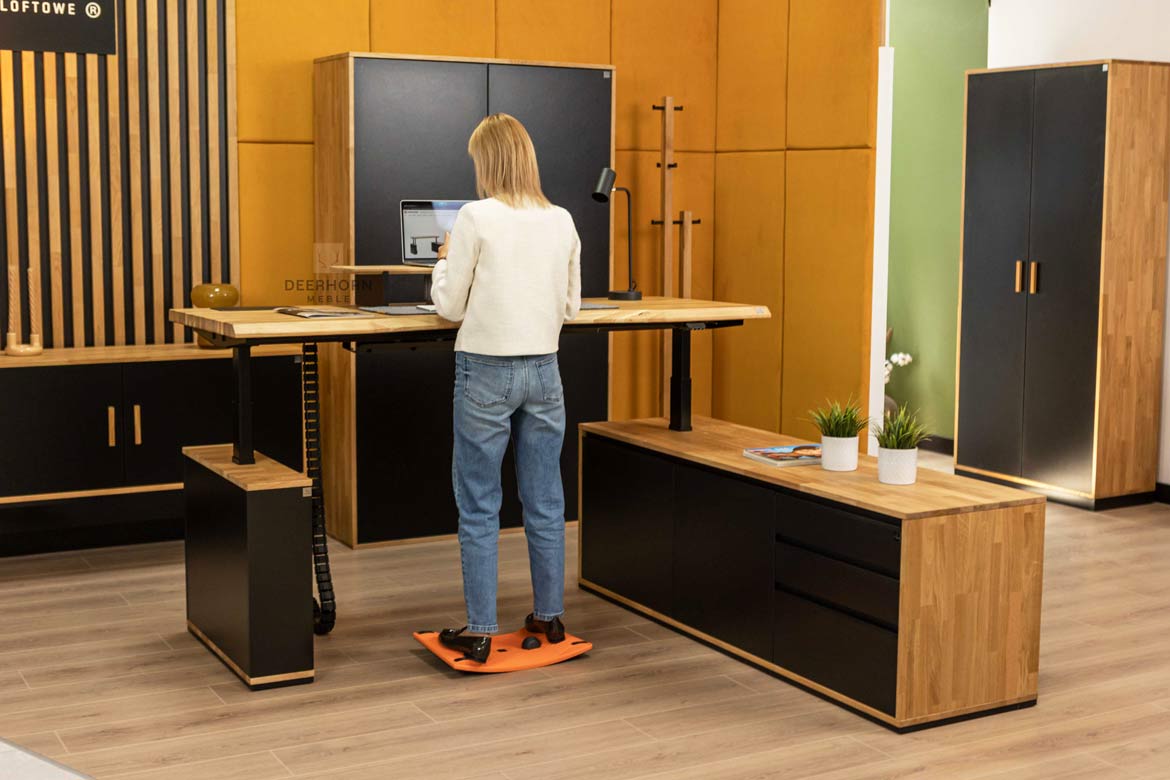
It is also increasingly common to be able to change your position while working, for example with height-adjustable desks. Working standing for part of the day relieves stress on the spine and introduces more natural movement into the daily routine.
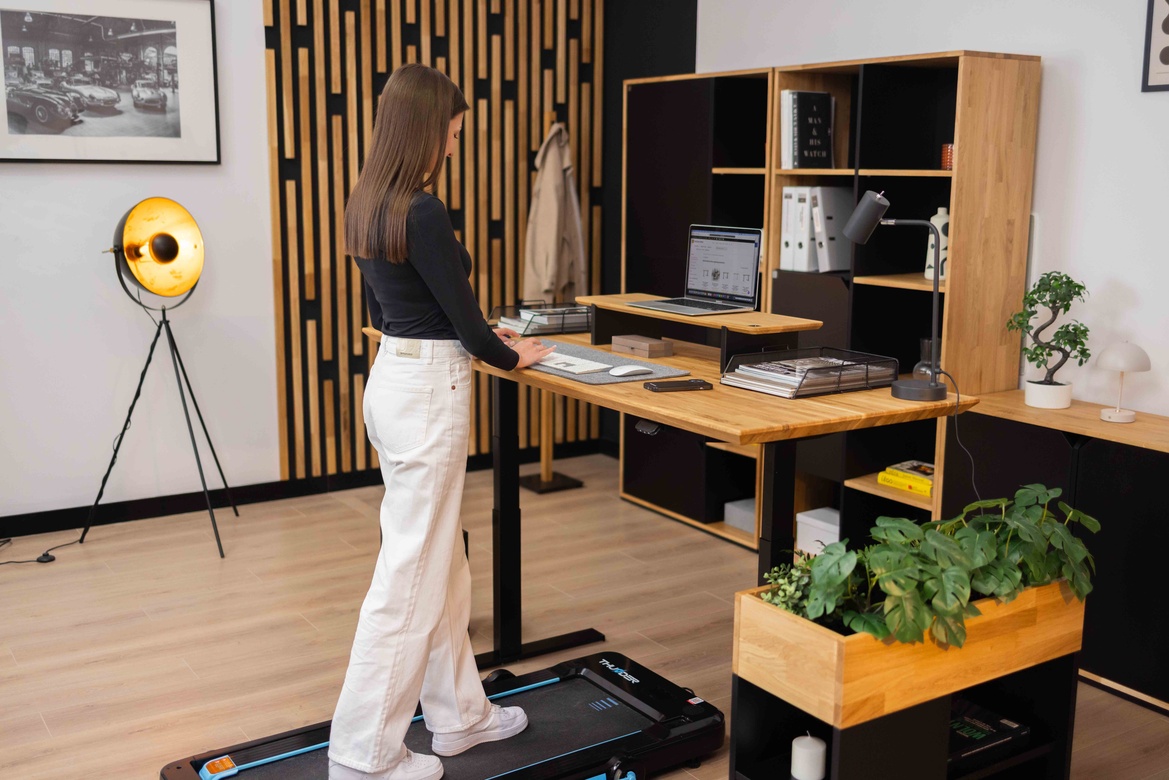
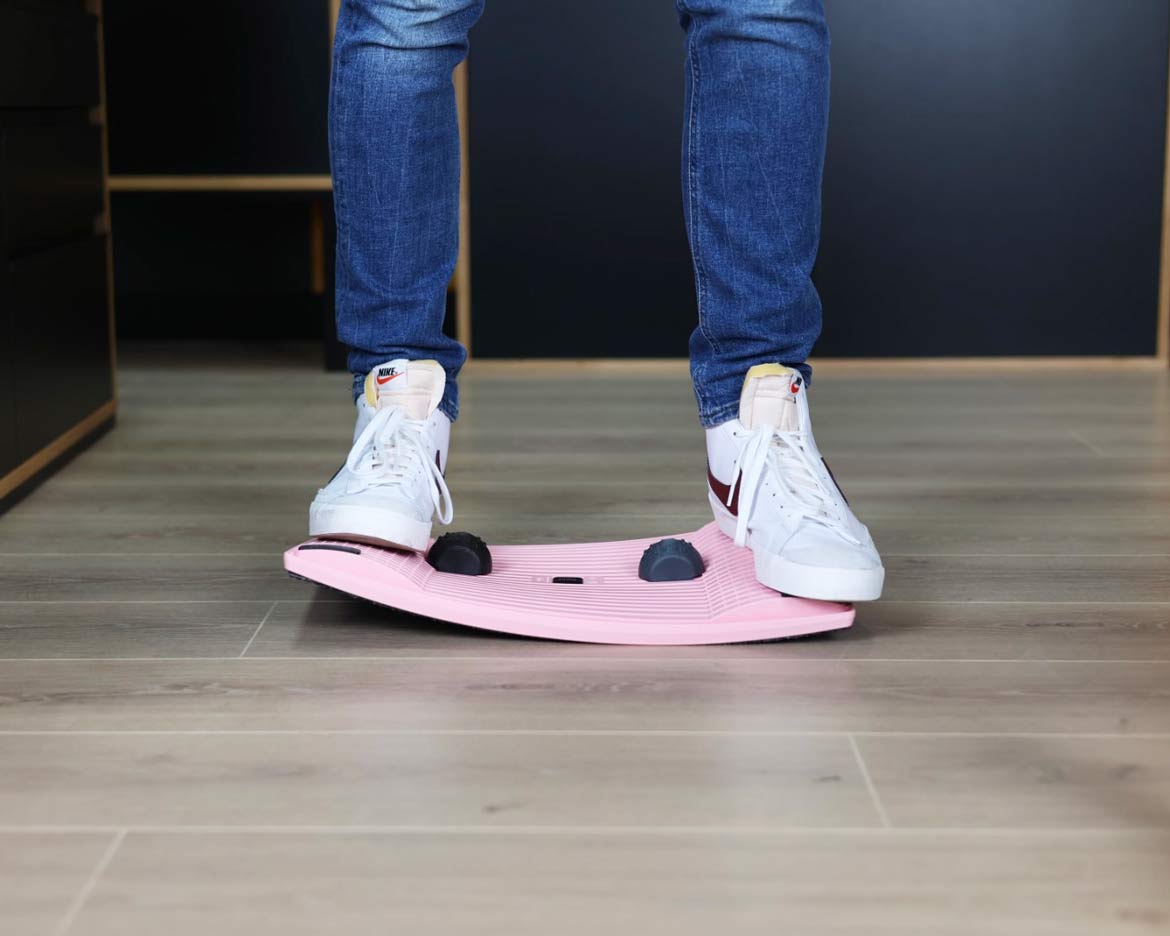
Simple accessories such as a balance board, a footrest or a small treadmill for walking at your desk can provide additional support. They help activate muscles, improve circulation and make even long hours of work less taxing on the body. These are small changes that make a real difference in your comfort and well-being throughout the day.
Summary
Organizing an office workstation according to health and safety principles is a real investment in health, comfort and efficiency. It’s not about complicated or costly solutions, but about conscious decisions on basic elements – a suitable desk, a well-chosen chair, proper lighting and order in the workspace.
A well-planned workstation allows you to work more quietly, reduces fatigue and reduces the risk of ailments that often occur with long hours of office work. Thoughtful organization of the space supports the daily functioning of the team, improves concentration and contributes to a better mood throughout the day.
It is details like these that determine whether an office is a welcoming and safe place to be every day. When the workstation is tailored to the needs of the users, work becomes more comfortable, and taking care of health naturally fits into the daily rhythm of the office.
FAQ
How to properly set up a workstation in the office?
The workstation should be tailored to the user’s height and way of working. The proper height of the desk and chair, the correct positioning of the monitor at eye level and access to good lighting are important. Equally important is order on the desk and the ability to change positions throughout the day.
At what height should the monitor be located?
The monitor should be at eye level or minimally below. This ensures that the head remains in a natural position and the neck and neck are not overstressed. A desk extension that allows you to position the screen at the right level can be a helpful solution.
Does a height-adjustable desk comply with health and safety rules?
Yes, a height-adjustable desk supports health and safety principles because it allows you to change positions while working. Working standing for part of the day relieves strain on the spine, improves circulation and helps reduce the effects of prolonged sitting.
Which office chair best meets health and safety rules?
A good office chair should have a height-adjustable seat, backrest and armrests and provide adequate back support, especially in the lumbar region. It is important that it allows minor changes in position during work.
Why is workplace order so important?
An orderly space reduces the risk of damage to equipment, improves concentration and affects work safety. Documents, accessories and cables should have their own place, and solutions such as cable grommets and grilles help keep your desk in order.
What is the best lighting for office work?
Natural daylight is best, supplemented by a desk lamp with a neutral or slightly warm light color. It is important that the light does not cause glare on the monitor and evenly illuminates the work surface.
Are breaks really necessary?
Yes, regular breaks are very important. Even getting up from your desk for a short time, stretching or taking a few steps around the office helps relax your muscles, improve circulation and reduce tension in your back and neck.
What additional accessories can improve the ergonomics of the workstation?
Footrests, balance boards, monitor extensions or treadmills for walking at your desk can help. These are simple additions that promote movement and improve comfort during long office work.